
Context layer
Linear MCP Server Setup for Claude Code and Cursor
How to connect Linear's MCP server to Claude Code, Cursor, and VS Code in a few minutes, what it can do, and the context it can't give your agent.

You want Claude Code or Cursor to read and update your Linear issues without you copying ticket text into the prompt. Linear’s official MCP server does exactly that, and setup takes a couple of minutes.
The Linear MCP server is Linear’s hosted Model Context Protocol endpoint at https://mcp.linear.app/mcp. It lets AI clients like Claude Code, Cursor, and VS Code find, create, and update Linear issues, projects, and comments. There’s nothing to install: you add the URL to your client and sign in to Linear through OAuth.
MCP (Model Context Protocol) is the open standard coding agents use to talk to outside tools. One MCP server per tool is the usual setup, so Linear’s server covers Linear, GitHub’s covers GitHub, and so on.
How to add the Linear MCP server to Claude Code
Run one command in your terminal:
claude mcp add --transport http linear-server https://mcp.linear.app/mcpThen open a Claude Code session and type /mcp. Pick the Linear server and follow the sign-in flow in your browser. Once you approve access, ask Claude something like “What Linear issues are assigned to me this cycle?” to check it works.
How to add the Linear MCP server to Cursor
The quickest way is to search for Linear on Cursor’s MCP tools page and install it from there. Linear also links a one-click install from its MCP docs.
To add it by hand instead, put this in your mcp.json:
{
  "mcpServers": {
    "linear": {
      "type": "http",
      "url": "https://mcp.linear.app/mcp"
    }
  }
}
Cursor opens the Linear sign-in the first time the server connects.
Other clients: VS Code, Windsurf, Claude Desktop
Clients that don’t support remote MCP servers directly can use the mcp-remote package as a bridge. This config works for VS Code, Windsurf, and most other MCP clients:
{
  "mcpServers": {
    "linear": {
      "command": "npx",
      "args": ["-y", "mcp-remote", "https://mcp.linear.app/mcp"]
    }
  }
}
In Claude’s desktop and web apps you don’t need any config. Add Linear from Settings → Connectors.
What the Linear MCP server can do
It has tools for finding, creating, and updating Linear objects: issues, projects, and comments. In practice that covers prompts like these:
- “Summarize the open bugs in the Platform team’s current cycle.”
- “Create an issue for the flaky checkout test and assign it to me.”
- “Add a comment to ENG-412 with what I just found.”
- “Turn this planning doc into a project with issues.”
Want your agent to look but never touch? Linear offers a read-only endpoint at https://mcp.linear.app/mcp/readonly, which only exposes read tools.
Linear MCP troubleshooting
It worked last month and now it doesn’t. Check your config’s URL. Linear retired its older https://mcp.linear.app/sse endpoint in favor of /mcp. Update the URL and reconnect.
The sign-in never appears in Claude Code. Adding the server doesn’t trigger sign-in by itself. Type /mcp inside a session and choose the Linear server.
You signed in to the wrong Linear workspace. Remove the server, add it again, and pick the right workspace during sign-in. With mcp-remote, clearing its saved sign-ins (rm -rf ~/.mcp-auth) forces a fresh one.
What the Linear MCP server can’t tell your agent
The Linear MCP server gives your agent what’s in Linear: the issue’s title, description, status, assignee, and comments. For a lot of tasks that’s enough.
The trouble starts when the issue isn’t the whole story. Say the ticket reads “Add rate limiting to the webhook endpoint.” What it doesn’t say is that the team tried in-memory rate limiting in March and dropped it, because it broke across their three instances. That decision lives in a Slack thread and a meeting, not in Linear. Your agent reads the ticket through MCP, builds the approach the team already rejected, and nobody notices until review.
You can add a Slack MCP server and a GitHub MCP server too. Now your agent has three separate tools to search, no idea which source is current when they disagree, and you’re the one wiring it all together and keeping it signed in.
That’s the gap Thor fills. Thor is the context infrastructure for AI-native software teams: it keeps one current record of what your team decided, changed, and left stale across Slack, GitHub, Linear, and meetings. Coding agents reach it through one MCP server. For a Linear issue, your agent can ask Thor for a context pack and get back the decisions, docs, related work, and meetings connected to that ticket, not just the ticket text. Thor can also create Linear or GitHub issues for you, checking for similar open ones first.
Adding Thor to Claude Code or Cursor uses the same kind of config:
{
  "mcpServers": {
    "Thor": {
      "type": "http",
      "url": "https://app.thor.ai/mcp"
    }
  }
}
You sign in with the account you use for Thor, and you only see what you already have access to there. Full steps are in Thor’s MCP quickstart, and there’s more on what Thor’s MCP server is for.
Many teams run both. Linear’s server is the direct way to edit issues. Thor is how the agent learns what was decided around them. If you’re also writing instructions for your agent, our guide to CLAUDE.md best practices covers what belongs in a static file and what needs a live source. For the other servers worth connecting, see the best MCP servers for engineering teams.
FAQ
Do I need an API key for the Linear MCP server?
No. The standard setup signs you in with your existing Linear account through OAuth, so there’s no key to create or store. Linear also accepts a bearer token or a Linear API key if your client needs one.
What’s the Linear MCP server URL?
https://mcp.linear.app/mcp for read and write access. Use https://mcp.linear.app/mcp/readonly if you only want your agent to read.
Does the Linear MCP server work with Claude Code?
Yes. Run claude mcp add --transport http linear-server https://mcp.linear.app/mcp, then type /mcp in a Claude Code session to sign in.
Do I need Thor if I already use the Linear MCP server?
Not if the Linear ticket is always the full story. Thor helps when the real decisions happen in Slack, meetings, and GitHub, and your agent needs those alongside the ticket. Thor connects to Linear too, so it fits alongside the setup you already have.
See what your coding agent gets back when it asks Thor about a Linear issue instead of reading the ticket alone. Book a demo.
Related Posts

The Best MCP Servers for Engineering Teams in 2026
Ten official MCP servers worth connecting to Claude Code or Cursor, what each one is for, how to add it, and how to avoid installing too many.

GitHub MCP Server Setup: Claude Code, Cursor, VS Code
How to connect GitHub's official MCP server to Claude Code, Cursor, and VS Code, which toolsets to turn on, and the context it can't give your agent.
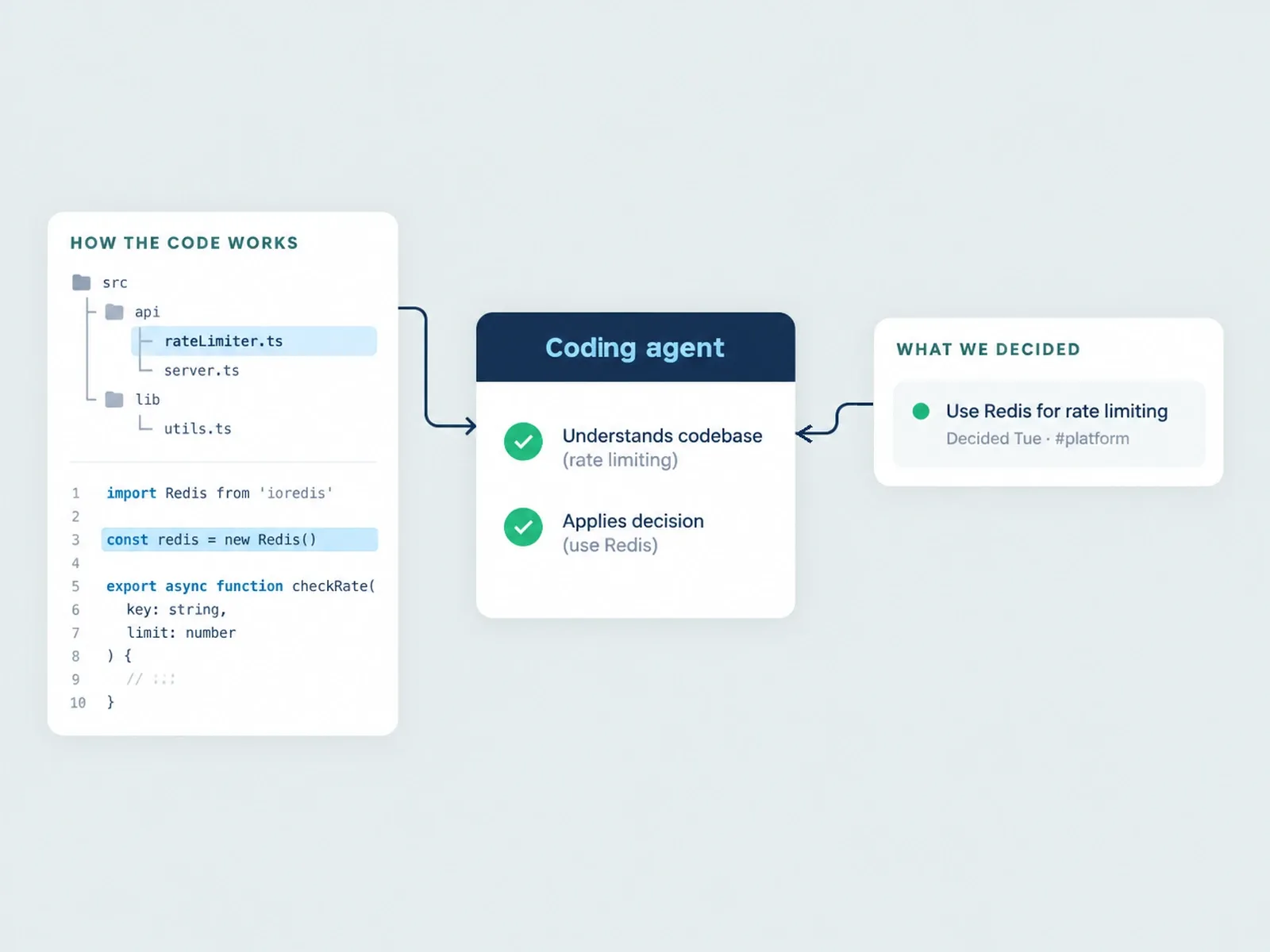
Thor vs. Unblocked: Two Kinds of Context for Agents
Thor and Unblocked both give coding agents team context, but they do different jobs. What each one reads, what it can change, pricing, and when to use which.