
Context layer
GitHub MCP Server Setup: Claude Code, Cursor, VS Code
How to connect GitHub's official MCP server to Claude Code, Cursor, and VS Code, which toolsets to turn on, and the context it can't give your agent.

You want your coding agent to read issues, open pull requests, and check CI runs on GitHub without you pasting links into the chat. GitHub’s official MCP server handles that, and the hosted version takes a few minutes to set up.
The GitHub MCP server is GitHub’s official Model Context Protocol server. It lets AI clients like Claude Code, Cursor, and VS Code work with repositories, issues, pull requests, and Actions. You can use GitHub’s hosted version at https://api.githubcopilot.com/mcp/, or run it yourself with Docker.
MCP (Model Context Protocol) is the open standard coding agents use to talk to outside tools. Each tool usually gets its own MCP server, so GitHub’s covers GitHub and Linear’s covers Linear.
Before you start: hosted or local?
GitHub offers two ways to run it:
- Hosted (remote) server. GitHub runs it at
https://api.githubcopilot.com/mcp/. Nothing to install or keep updated. This is the one GitHub recommends for most people. - Local server. You run the
ghcr.io/github/github-mcp-serverimage in Docker, or a downloaded binary. Use it if your client doesn’t support remote servers, or you want everything on your own machine.
Both need you to sign in. VS Code can use OAuth with the hosted server. Claude Code and Cursor use a GitHub personal access token (PAT) for the hosted server. Create a fine-grained token at GitHub → Settings → Developer settings → Personal access tokens, and give it only the repositories and permissions you’re comfortable handing to an AI tool.
How to add the GitHub MCP server to Claude Code
Run this in your terminal, not inside a Claude Code session, with your token in place of YOUR_GITHUB_PAT:
claude mcp add-json github '{"type":"http","url":"https://api.githubcopilot.com/mcp","headers":{"Authorization":"Bearer YOUR_GITHUB_PAT"}}'Restart Claude Code, then run claude mcp list to check the server shows up. Ask something like “List the open pull requests in this repo that are waiting on review” to make sure it works.
A couple of tips:
- Keep the token out of your shell history. Put it in a
.envfile that’s in.gitignoreand read it into the command from there. - Add
--scope userto make the server available in every project, not just the current one. - On older Claude Code versions, or if
add-jsonreturns “Invalid input”, useclaude mcp add --transport httpinstead.
How to add the GitHub MCP server to Cursor
Open ~/.cursor/mcp.json and add:
{
  "mcpServers": {
    "github": {
      "url": "https://api.githubcopilot.com/mcp/",
      "headers": {
        "Authorization": "Bearer YOUR_GITHUB_PAT"
      }
    }
  }
}
Replace YOUR_GITHUB_PAT with your token, save, and restart Cursor. You need Cursor 0.48 or later for the hosted server. GitHub’s README also has a one-click install button for Cursor.
How to add it to VS Code
VS Code 1.101 and later supports the hosted server with OAuth, so you don’t need a token. Use the one-click install button in GitHub’s MCP server README, sign in with GitHub when prompted, then switch Copilot Chat to Agent mode.
Running it locally with Docker
If you’d rather run it yourself, this config works in most MCP clients. It signs you in through GitHub in your browser the first time, and keeps the token in memory only:
{
  "mcpServers": {
    "github": {
      "command": "docker",
      "args": [
        "run", "-i", "--rm",
        "-p", "127.0.0.1:8085:8085",
        "-e", "GITHUB_OAUTH_CALLBACK_PORT",
        "ghcr.io/github/github-mcp-server"
      ],
      "env": {
        "GITHUB_OAUTH_CALLBACK_PORT": "8085"
      }
    }
  }
}
Docker has to be running. To use a token instead, set GITHUB_PERSONAL_ACCESS_TOKEN in place of the callback port.
Toolsets: turn on only what you need
The GitHub MCP server groups its tools into toolsets. By default you get context, repos, issues, pull_requests, and users. Others, like actions for CI runs, code_security, dependabot, discussions, and projects, are off until you ask for them.
Fewer tools is better. Every tool you turn on takes up room in the agent’s context and gives it one more option to pick wrongly. On the hosted server, each toolset has its own URL, for example https://api.githubcopilot.com/mcp/x/actions. On the local server, set GITHUB_TOOLSETS, for example GITHUB_TOOLSETS="default,actions".
Read-only mode. Add /readonly to the end of any hosted URL, like https://api.githubcopilot.com/mcp/readonly, and the agent can look but can’t change anything. Locally, use the --read-only flag. It’s a sensible default while you get a feel for what your agent does with write access.
GitHub MCP troubleshooting
401 or “bad credentials”. The token is wrong, expired, or missing a permission. Fine-grained tokens are limited to the repositories you picked when you made them, so check the repo is on the list.
The server doesn’t appear in Claude Code. Run claude mcp list. If it’s missing, you probably ran the command inside a Claude Code session instead of your normal terminal.
The agent picks the wrong tool, or seems slow. Too many toolsets are probably on. Cut back to the ones the task needs.
Docker setup fails to start. Make sure Docker Desktop is running, and that nothing else is using port 8085 on your machine.
What the GitHub MCP server can’t tell your agent
The GitHub MCP server gives your agent what’s in GitHub: code, issues, pull requests, comments, and CI results. For a lot of work, that’s plenty.
Where it falls short is anything decided outside GitHub. An issue says “Add CSV export to the reports page.” On Tuesday, in Slack, the team agreed to drop CSV and ship JSON only. Nobody updated the issue. Your agent reads it through MCP, builds CSV export, passes CI, and the first person to notice is the reviewer.
You can add Slack, Linear, and meeting-notes MCP servers too. Now your agent searches four separate tools, has no way to tell which one is current when they disagree, and you’re the one keeping all of it connected and signed in.
That’s the gap Thor fills. Thor is the context infrastructure for AI-native software teams: it keeps one current record of what your team decided, changed, and left stale across Slack, GitHub, Linear, and meetings. Coding agents reach it through one MCP server. For a GitHub issue, your agent can ask Thor for a context pack and get back the decisions, docs, related work, and meetings connected to it, not just the issue text. When you ask, Thor can also open GitHub or Linear issues, checking for similar open ones first.
Adding Thor uses the same kind of config as above, with no token to manage:
{
  "mcpServers": {
    "Thor": {
      "type": "http",
      "url": "https://app.thor.ai/mcp"
    }
  }
}
You sign in with the account you use for Thor, and you only see what you already have access to there. Full steps are in Thor’s MCP quickstart, and there’s more on what Thor’s MCP server is for.
Plenty of teams run both. GitHub’s server is how the agent works with code and pull requests. Thor is how it learns what was decided around them. If you’re also writing standing instructions for your agent, see our guide to CLAUDE.md best practices. For the other servers worth connecting, see the best MCP servers for engineering teams.
FAQ
What’s the GitHub MCP server URL?
https://api.githubcopilot.com/mcp/ for GitHub’s hosted server with the default toolsets. Add /readonly to the end for read-only access, or use https://api.githubcopilot.com/mcp/x/<toolset> for a single toolset.
Do I need a personal access token?
For Claude Code and Cursor with the hosted server, yes. VS Code can sign in with OAuth instead. The local Docker server can also sign in through your browser, without a token.
Does the GitHub MCP server work with Claude Code?
Yes. Add it with claude mcp add-json and your token, restart Claude Code, and check it with claude mcp list.
Can I stop my agent from changing anything on GitHub?
Yes. Use a /readonly URL on the hosted server, or the --read-only flag locally. You can also give the token read-only permissions so GitHub itself blocks writes.
Do I need Thor if I already use the GitHub MCP server?
Not if the GitHub issue is always the full story. Thor helps when real decisions happen in Slack, meetings, and Linear, and your agent needs those next to the issue. Thor connects to GitHub too, so it fits alongside the setup you already have.
See what your coding agent gets back when it asks Thor about a GitHub issue instead of reading the issue alone. Book a demo.
Related Posts

The Best MCP Servers for Engineering Teams in 2026
Ten official MCP servers worth connecting to Claude Code or Cursor, what each one is for, how to add it, and how to avoid installing too many.

Linear MCP Server Setup for Claude Code and Cursor
How to connect Linear's MCP server to Claude Code, Cursor, and VS Code in a few minutes, what it can do, and the context it can't give your agent.
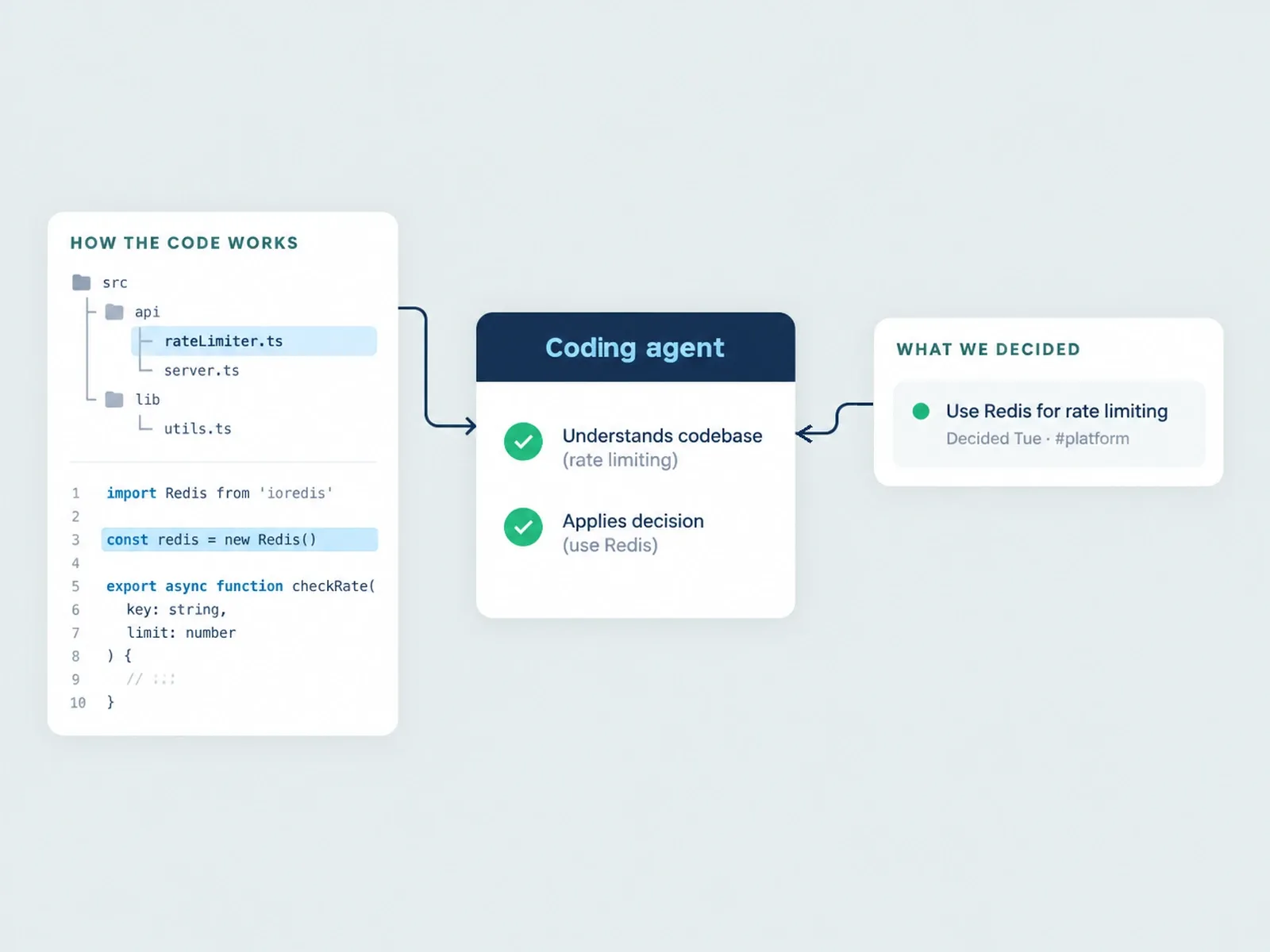
Thor vs. Unblocked: Two Kinds of Context for Agents
Thor and Unblocked both give coding agents team context, but they do different jobs. What each one reads, what it can change, pricing, and when to use which.